Wan 3.0
使用我们的万AI将您的家庭照片转换为迷人的动画视频
Standard is the Wan 3.0 model. Switch to Prime for the faster model.
Optional. The clip ends on this image.
Try
This 5s 480P Standard clip costs 2 credits. Standard cost follows length and resolution (about 1 credit per 4s at 480P, per 2s at 720P, and per 1s at 1080P, rounded up).
Sign in required. Failed submissions and failed generations refund the credits. Download links from the provider expire, so save the MP4 if you want to keep it.
Upload a first frame and describe the motion. Wan 3.0 generates the clip. An optional last frame sets the image the shot should end on, and native audio can be generated with the picture.
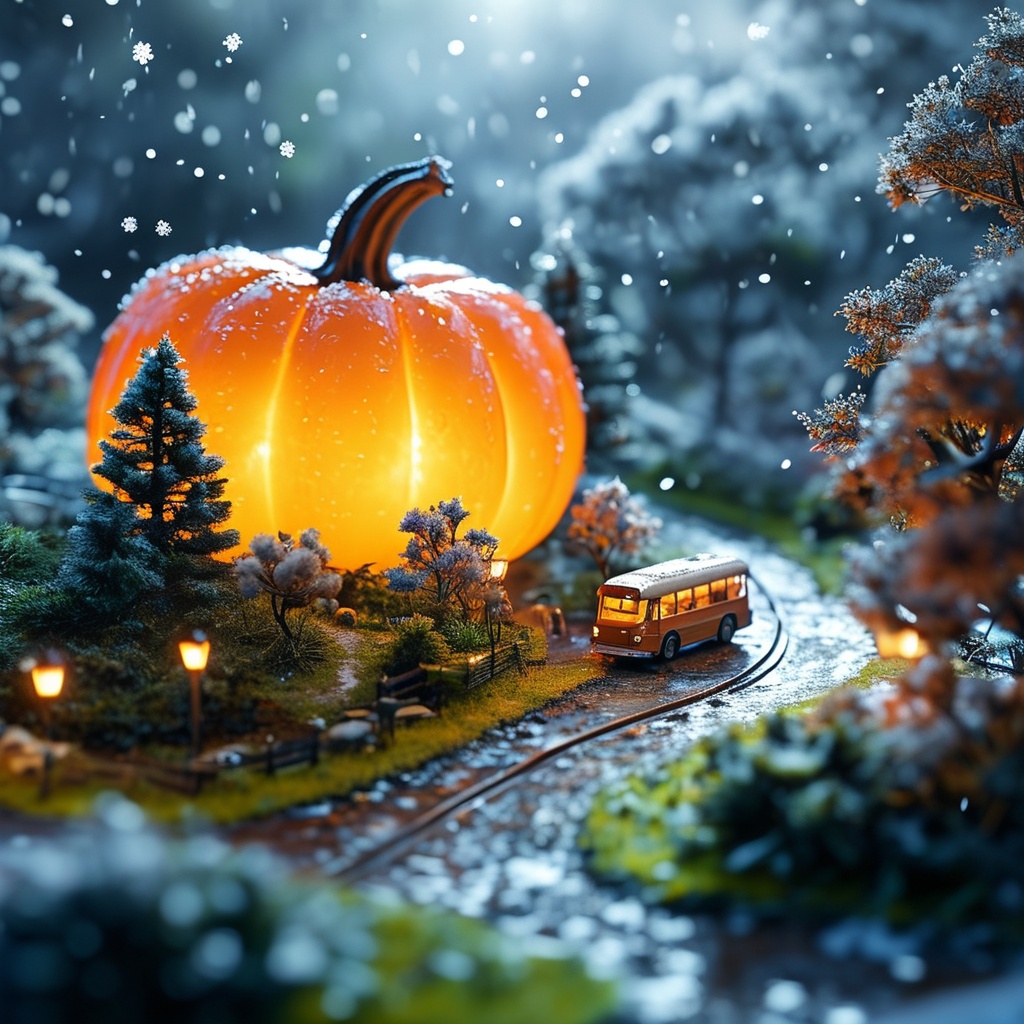
Prompt
Snowflakes fall as a car moves forward along the road.
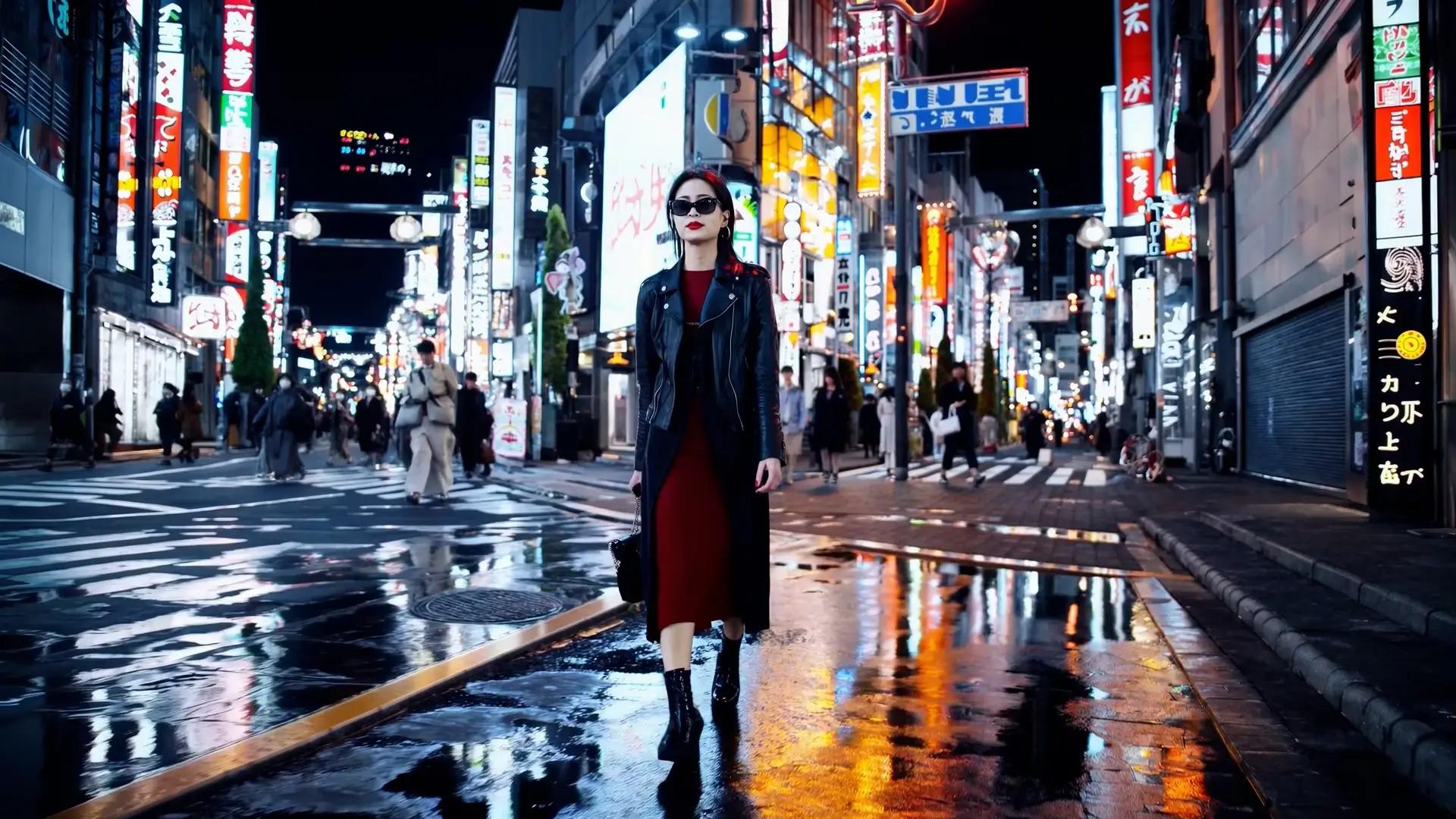
Prompt
A stylish woman walks down a Tokyo street filled with warm glowing neon and animated city signage.

Prompt
Cars racing in slow motion

Prompt
In slow motion, a skyscraper catastrophically implodes. Dust and debris swirl chaotically as an eerie orchestral score heightens the sense of destructive power and finality.
No matter what your photo depicts—portrait, landscape, or product shot—our AI can animate it into a complete video. With just a few clicks, turn any photos into exciting video content.
Create high-definition videos that look exceptional on all devices, from mobile screens to large projectors. Our AI optimizes video quality to ensure every animation and transition is crisp and fluid.
Wan 3.0 从一张静帧开始。上传首帧,描述运动,然后下载 MP4。
上传首帧 上传视频开始时的图片。尾帧可选,用来指定镜头结束的画面。支持 JPG、PNG、WebP 或 BMP,最大 20MB。
描述运动 写下什么在动、镜头如何移动,以及需要的对白或声音。时长选 2 到 30 秒,分辨率选 480P、720P 或 1080P,再选画幅。自适应会跟随图片,直到你改成固定比例。原生音频可以保持开启或关闭。种子可选。
用 Wan 3.0 生成 登录后,按钮会显示该时长和分辨率所需的积分。如果提交或生成失败,这些积分会退还。
下载 MP4 视频准备好后请保存文件。服务商的下载链接会过期,想以后再看就另存一份。
Start creating videos from your images today. Set the length, resolution, and native audio before you generate.
