
Animate Any Photo into a 30-Second Wan 3.0 Video
Upload a still image and Wan 3.0 turns it into a cinematic clip up to 30 seconds long. These official image-to-video examples show how one photo becomes a full scene—no complex editing needed.
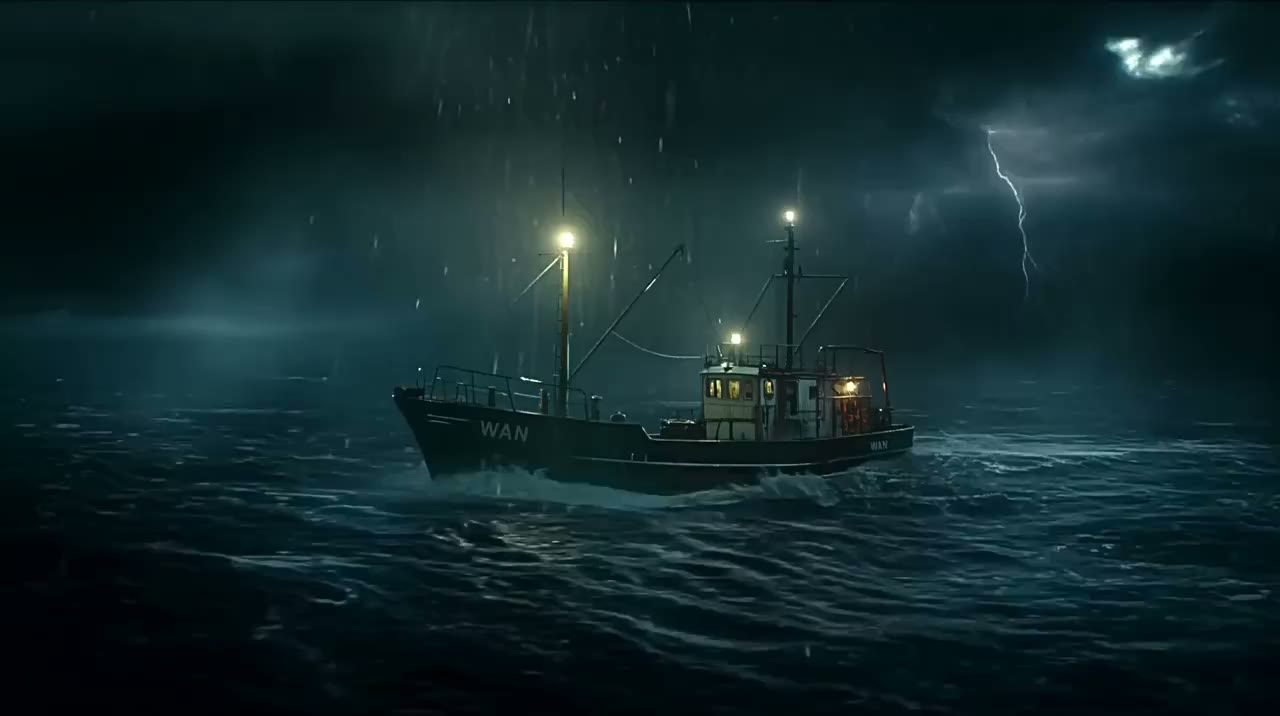
Prompt
A fishing boat crew battles a violent night storm as a giant sea monster rises from the waves and lightning tears the sky.
Official Wan 3.0 30-Second Video Demos
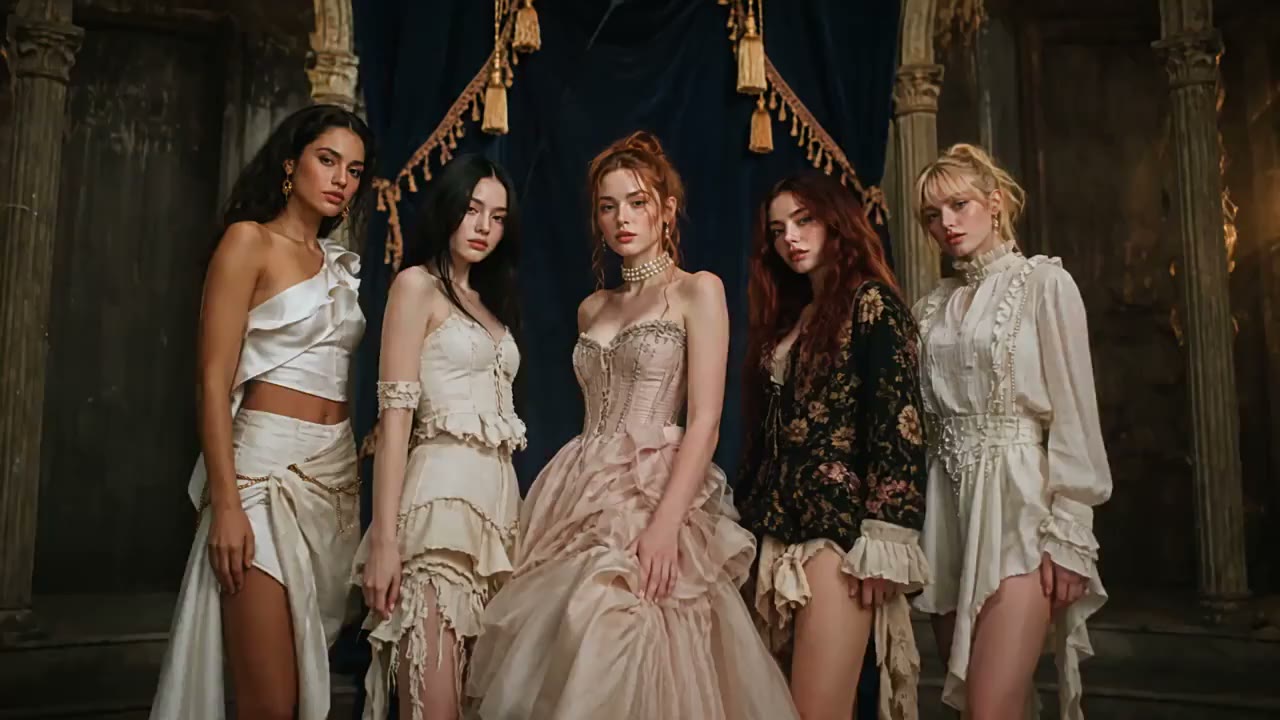
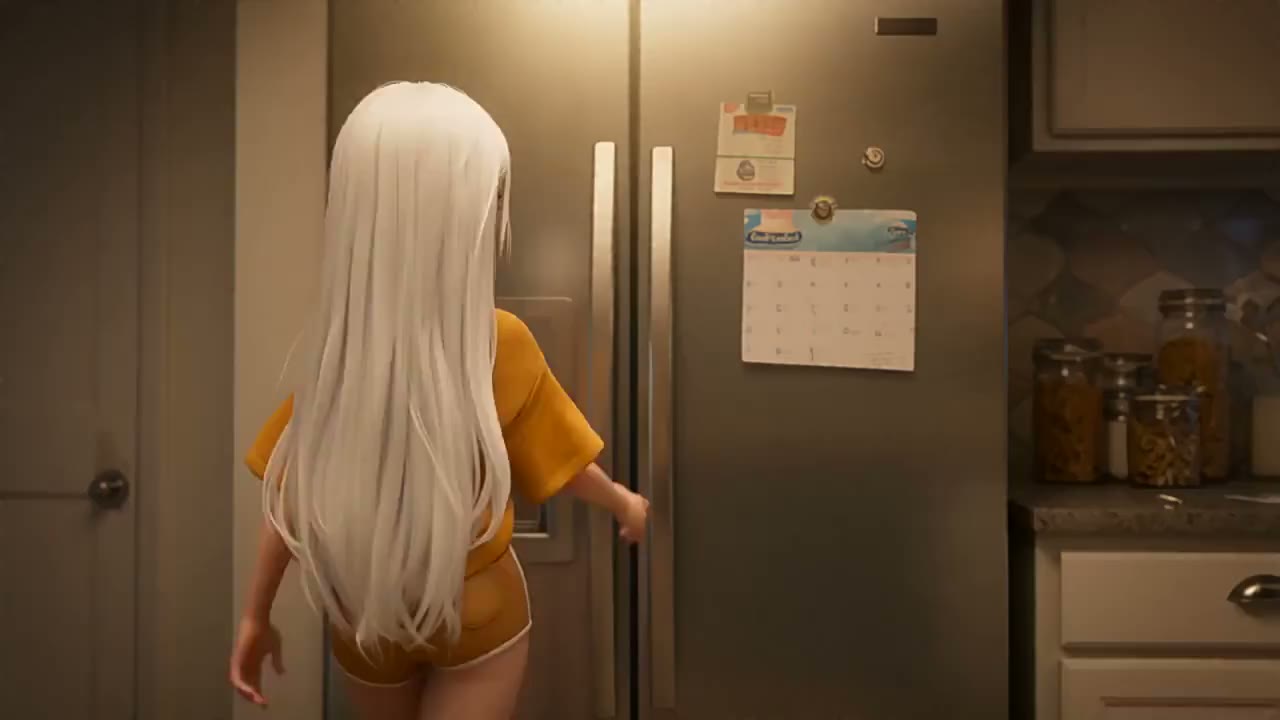
Watch official Wan 3.0 demos generated as native 30-second videos. Describe a scene in a few words and create up to 30-second AI videos with Wan 3.0.
A young woman in a pink hoodie runs through a neon-lit night market as the crowd and signs shift around her, in a bold animated style.
What Wan 3.0 does on Wan AI
Text to video and image to video
Start from a prompt or a still image. Wan 3.0 is the current model, and Wan 2.7, 2.6, and 2.5 remain available.
Picture and native audio
Wan 3.0 can generate the shot and the soundtrack together, including dialogue, ambience, and effects. Leave audio on, or turn it off before you generate.
Length and resolution you pick
Wan 3.0 runs from 2 to 30 seconds at 480P, 720P, or 1080P. Earlier Wan models on this site are for shorter clips.
Widescreen, square, and vertical
Choose 16:9, 9:16, 1:1, 4:3, or 3:4, or let Wan 3.0 follow the image you upload.
In the browser
You do not install a model or bring your own graphics card. Sign in, spend credits, and download the file.
Downloads you can publish
Wan 3.0 downloads on this site are watermark-free and can be used in client work and commercial projects.
How to create a Wan 3.0 video
Wan 3.0 is the latest model on this site. Wan 2.7, 2.6, and 2.5 are still available if you want an earlier one.
Step 1
Start with text or an image Write a prompt, or upload a still image as the first frame. Say what should move, and what should stay the same.
Step 2
Set the model and the shot Choose Wan 3.0, or switch to Wan 2.7, 2.6, or 2.5. Set the length, resolution, and aspect ratio. On Wan 3.0 you can turn native audio on or off.
Step 3
Generate and download Sign in and check the credit cost before you start. Download the clip when it is ready. If a Wan 3.0 generation fails, those credits are returned.
Questions about Wan AI
Start Creating Amazing AI Videos Today!
Join thousands of creators who are already using WAN AI to bring their ideas to life.