
Animate Any Photo into a 30-Second Wan 3.0 Video
Upload a still image and Wan 3.0 turns it into a cinematic clip up to 30 seconds long. These official image-to-video examples show how one photo becomes a full scene—no complex editing needed.
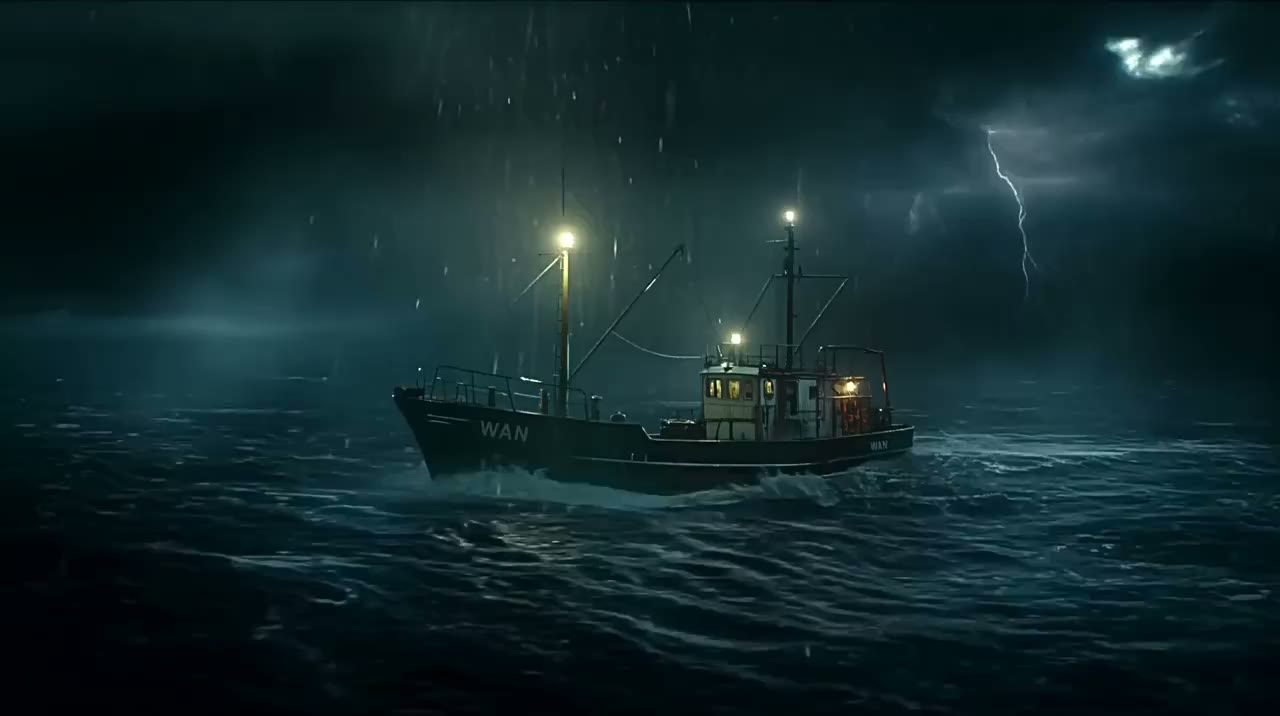
Prompt
A fishing boat crew battles a violent night storm as a giant sea monster rises from the waves and lightning tears the sky.
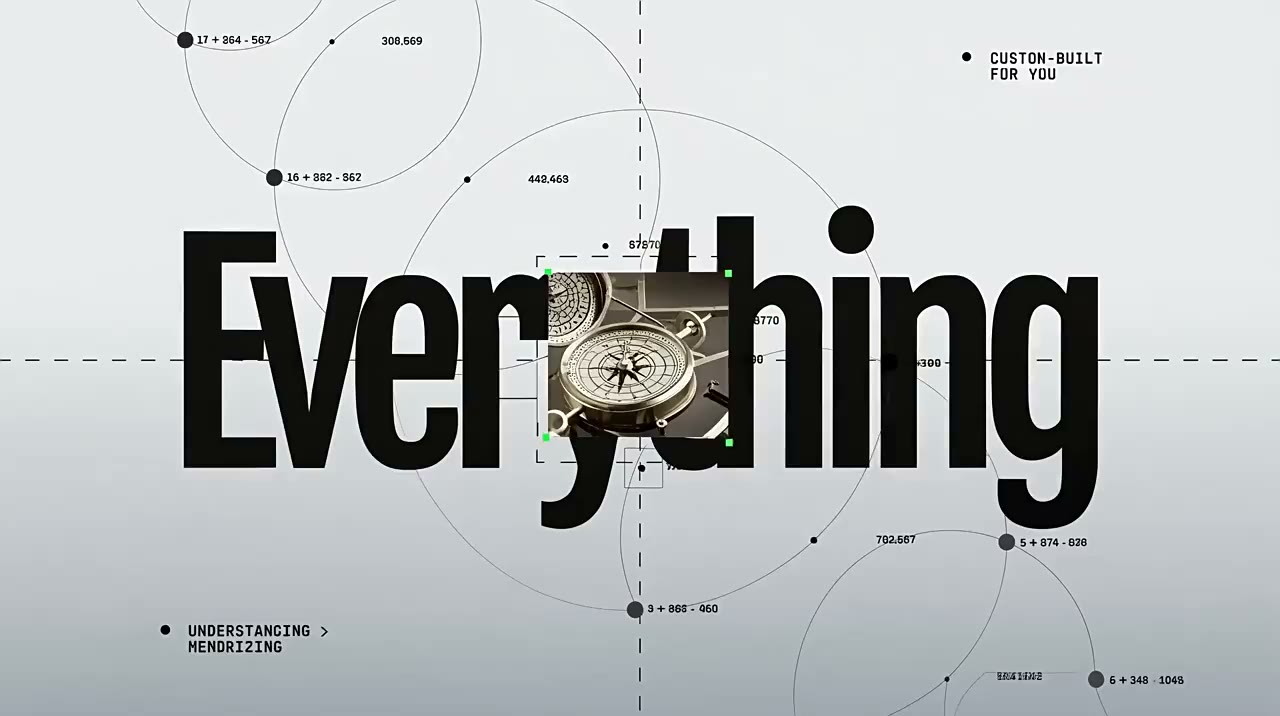
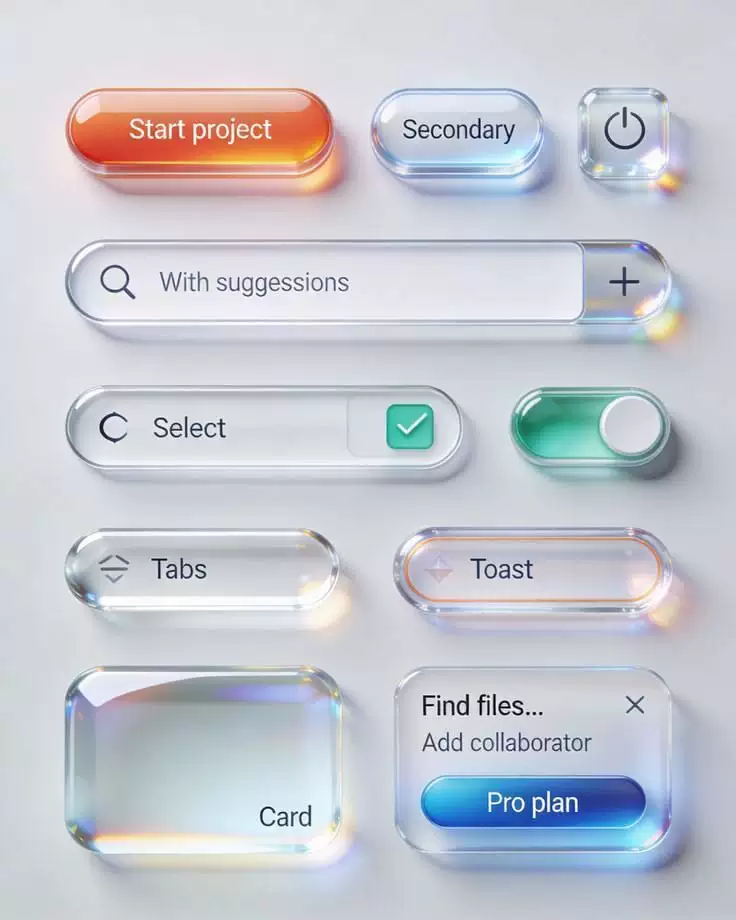
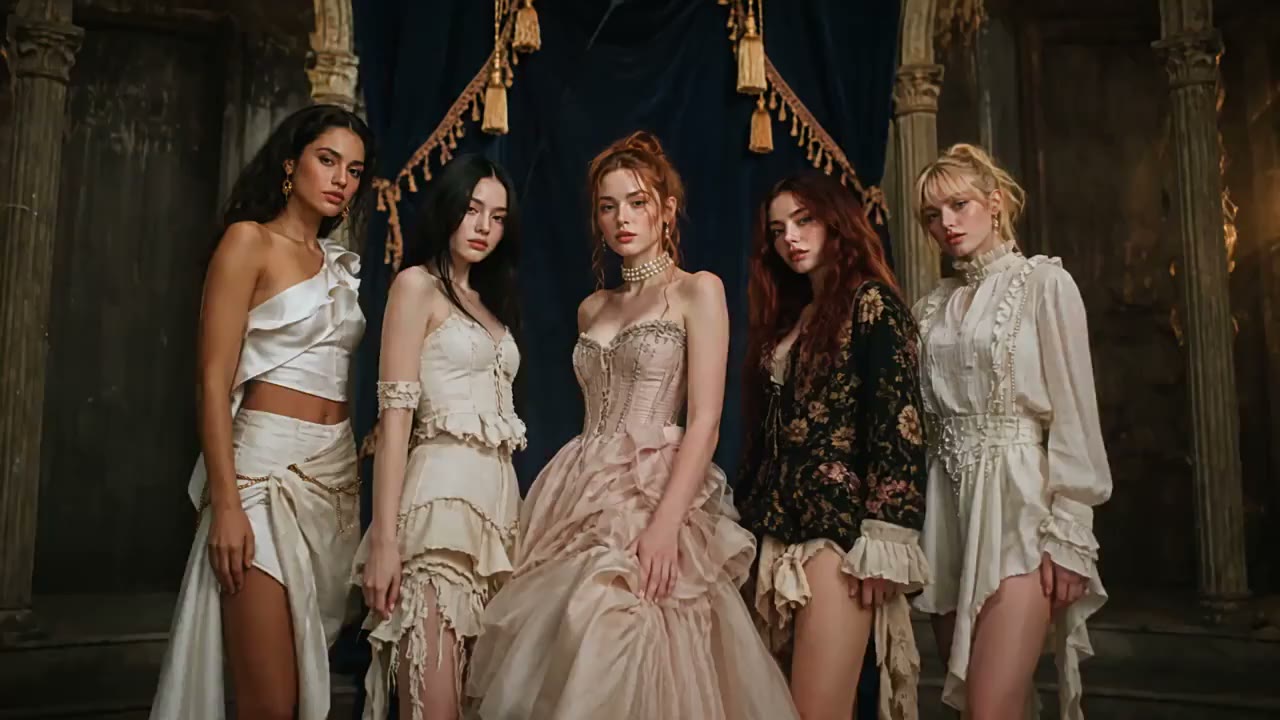
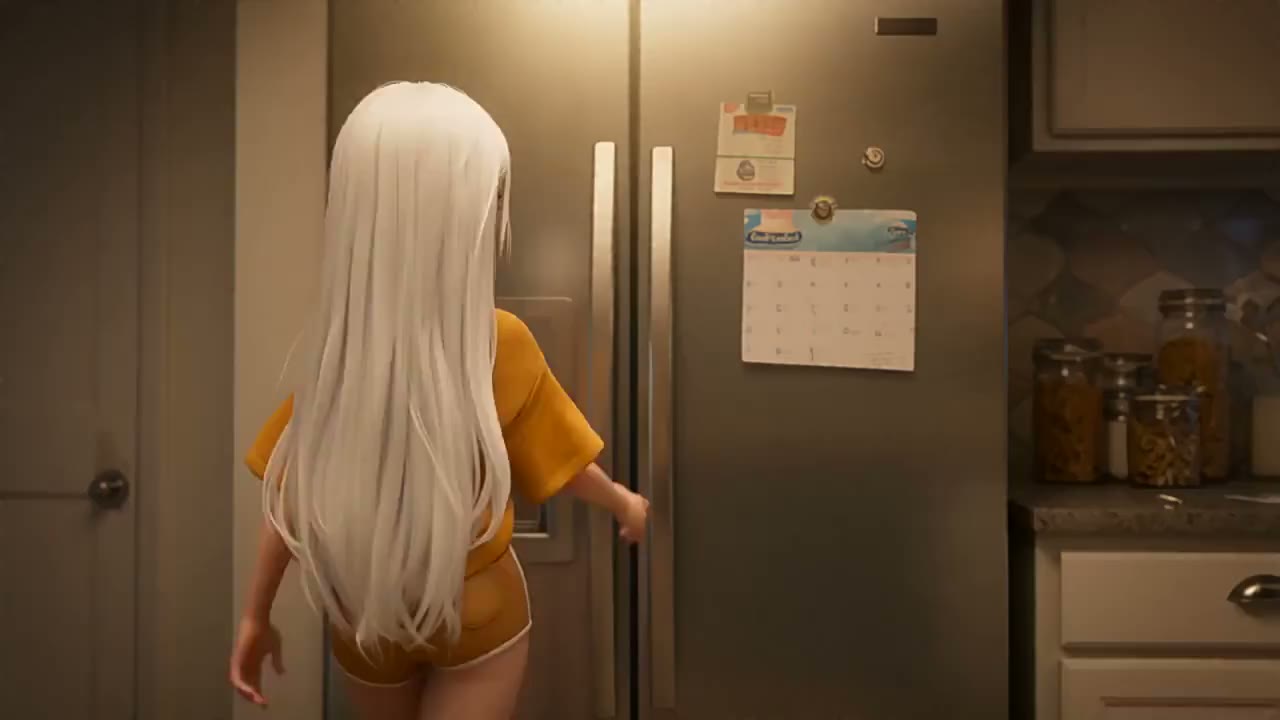
Official Wan 3.0 30-Second Video Demos
Watch official Wan 3.0 demos generated as native 30-second videos. Describe a scene in a few words and create up to 30-second AI videos with Wan 3.0.
A young woman in a pink hoodie runs through a neon-lit night market as the crowd and signs shift around her, in a bold animated style.
Wan AI で Wan 3.0 ができること
テキストから動画、画像から動画
プロンプトか静止画から始めます。現在のモデルは Wan 3.0 で、Wan 2.7、2.6、2.5 も使えます。
映像と音声を一緒に
Wan 3.0 は映像と音声を同時に作れます。セリフ、環境音、効果音を含められます。生成前に音声をオンのままにするか、オフにするかを選べます。
長さと解像度を指定
Wan 3.0 は 2 秒から 30 秒、480P、720P、1080P に対応します。このサイトの以前の Wan モデルは、より短いクリップ向けです。
横長、正方形、縦長
16:9、9:16、1:1、4:3、3:4 から選ぶか、アップロードした画像に Wan 3.0 を合わせられます。
ブラウザで完結
モデルのインストールも、自分のグラフィックカードも不要です。ログインし、クレジットを使ってファイルをダウンロードします。
公開できるダウンロード
このサイトの Wan 3.0 のダウンロードには透かしがなく、クライアントワークや商用プロジェクトに使えます。
Wan 3.0 の動画を作る手順
このサイトの最新モデルは Wan 3.0 です。以前のモデルが必要なら、Wan 2.7、2.6、2.5 も選べます。
Step 1
テキストか画像から始める プロンプトを書くか、静止画を最初のフレームとしてアップロードします。何が動き、何を保つかを書いてください。
Step 2
モデルとショットを選ぶ Wan 3.0 を選ぶか、Wan 2.7、2.6、2.5 に切り替えます。長さ、解像度、アスペクト比を設定します。Wan 3.0 では音声のオンとオフも選べます。
Step 3
生成してダウンロード ログインし、開始前に表示されるクレジットを確認します。できあがったらクリップをダウンロードします。Wan 3.0 の生成が失敗した場合、そのクレジットは戻ります。
Wan AI についての質問
Start Creating Amazing AI Videos Today!
Join thousands of creators who are already using WAN AI to bring their ideas to life.